> ## Documentation Index
> Fetch the complete documentation index at: https://help.weavely.ai/llms.txt
> Use this file to discover all available pages before exploring further.
# Build forms and surveys in ChatGPT with Weavely
> Build forms and surveys from a prompt with the Weavely ChatGPT app, refine the design and logic in chat, then publish to collect responses inside ChatGPT.
Weavely has a ChatGPT app that lets you build working forms and surveys without leaving ChatGPT. Describe what you need, Weavely generates a live form, and you refine the questions, design, and logic right in the conversation. Simply publish to start collecting responses.
You need a ChatGPT account to use the app. You only create a free Weavely account at the end, when you publish your form and want to collect responses.
## Add the Weavely app to ChatGPT
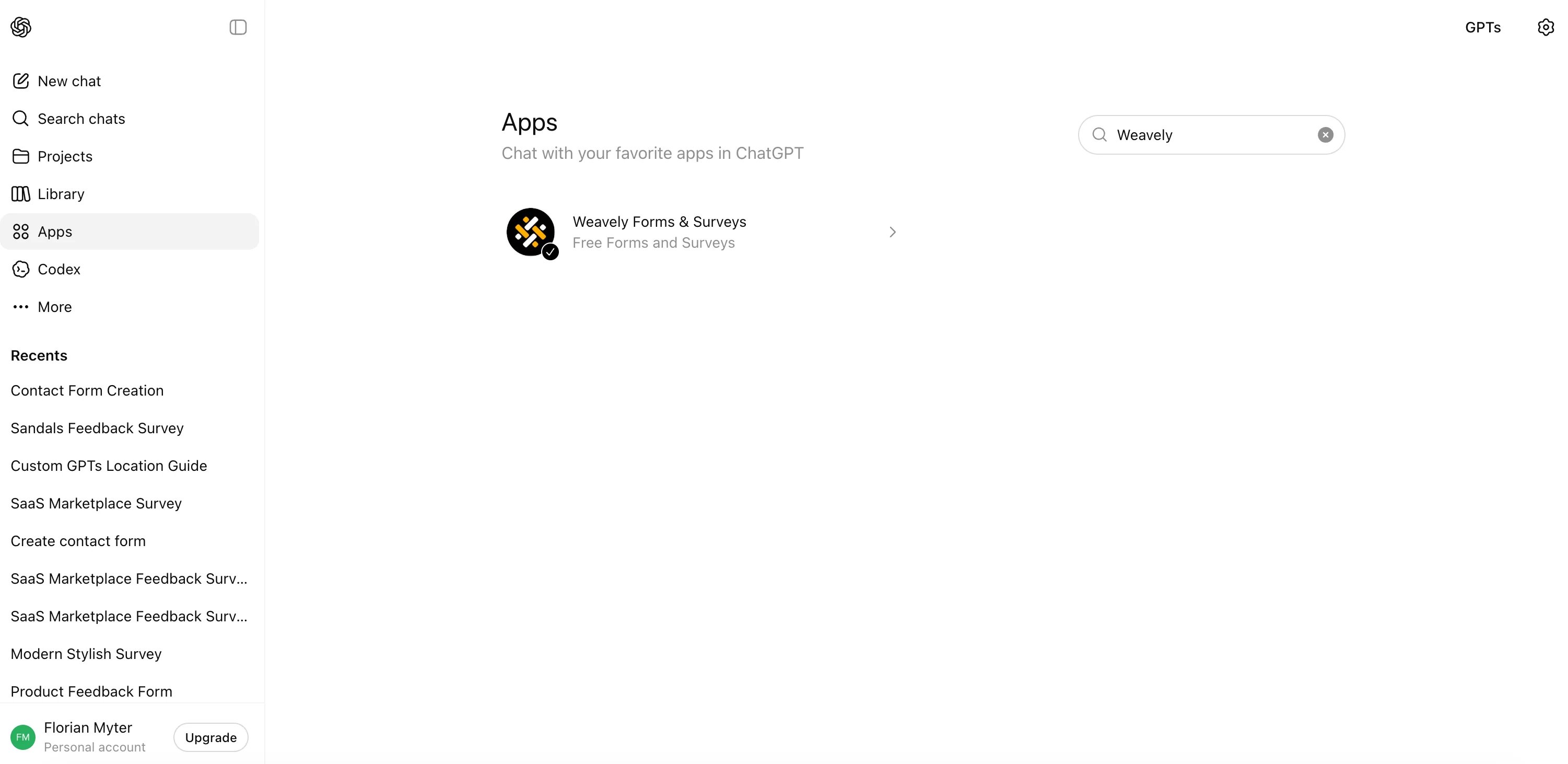
In ChatGPT, open **Apps** and search for **Weavely**, listed as "Weavely Forms & Surveys"
Select **Connect**. ChatGPT asks you to approve a few permissions. You can allow it to reference your chat memories, but that isn't required to build a form — so you can skip it and select **Connect**.
Select **Start chat**, or open any new chat and choose **Weavely Forms & Surveys** from the **+ More** menu.
## Build your first form
Tell Weavely what you're collecting and any context that matters. The more detail you give, the better the result. For example:
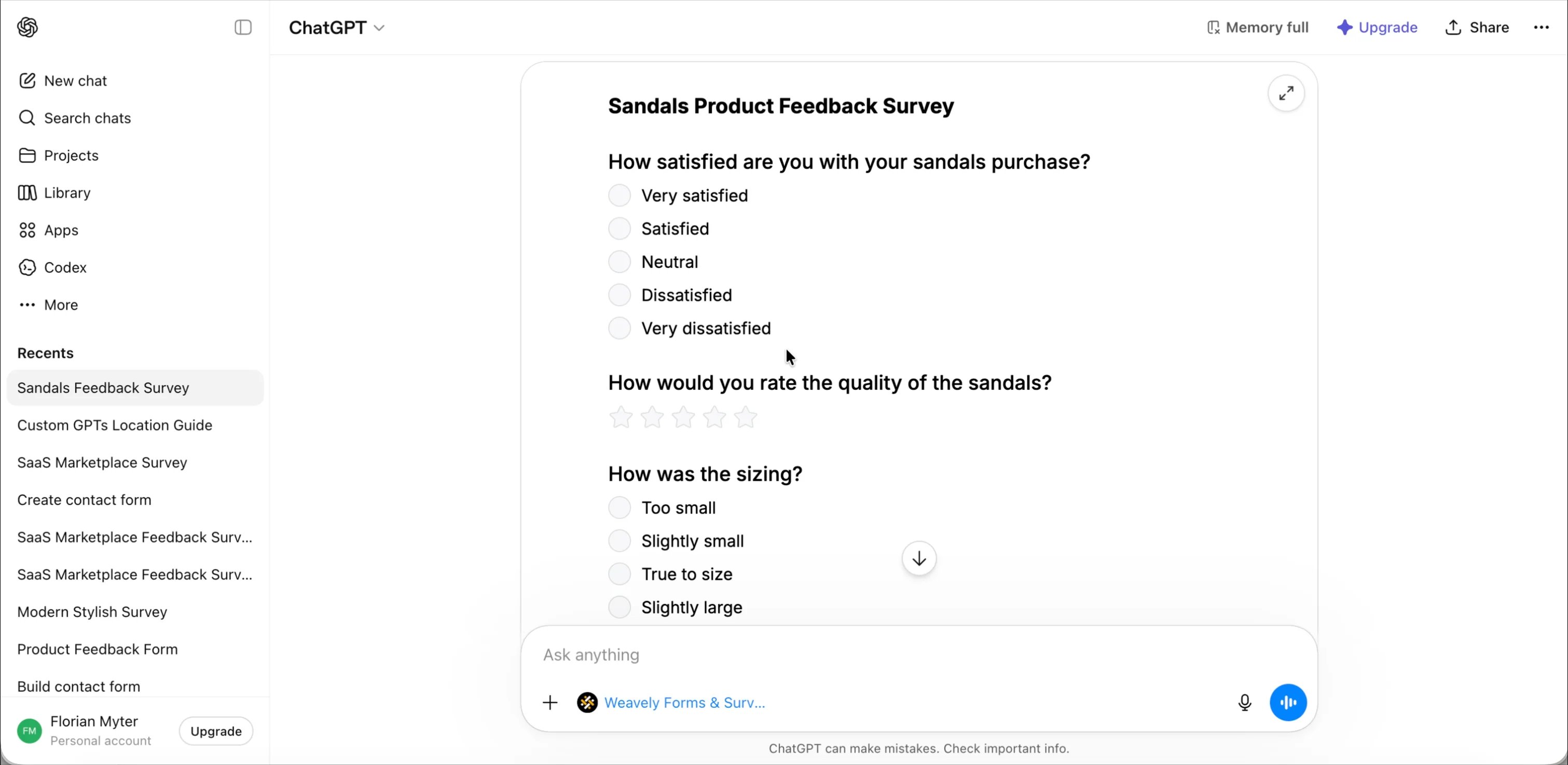
> I need a feedback survey for my e-commerce products, which are sandals.
Weavely explains what it's going to build, then generates a fully functional preview you can try right away. Use the expand icon to open it full screen.
The preview is interactive. Fill it in and select **Submit** to see the thank-you screen, then reset it to try different answers and flows.
## Refine it in chat
Everything about the form can be changed by chatting with Weavely — no editor required.
**Change the design.** Ask for the look you want and Weavely updates the theme:
> Can you make the colors more beach-like, given that this is about sandals?
**Add or edit questions.** Ask Weavely to add, remove, or reword questions at any time.
**Add conditional logic.** Show a question only when it's relevant:
> Only show the sizing question if someone gives a star rating above two.
ChatGPT asks permission to change the form's logic, then shows an updated preview. Test it: a rating of 4 reveals the sizing question, while a rating below 2 hides it.
Treat it like a conversation. Keep refining the design, questions, and logic until the preview is exactly what you want before you publish.
## Publish and share
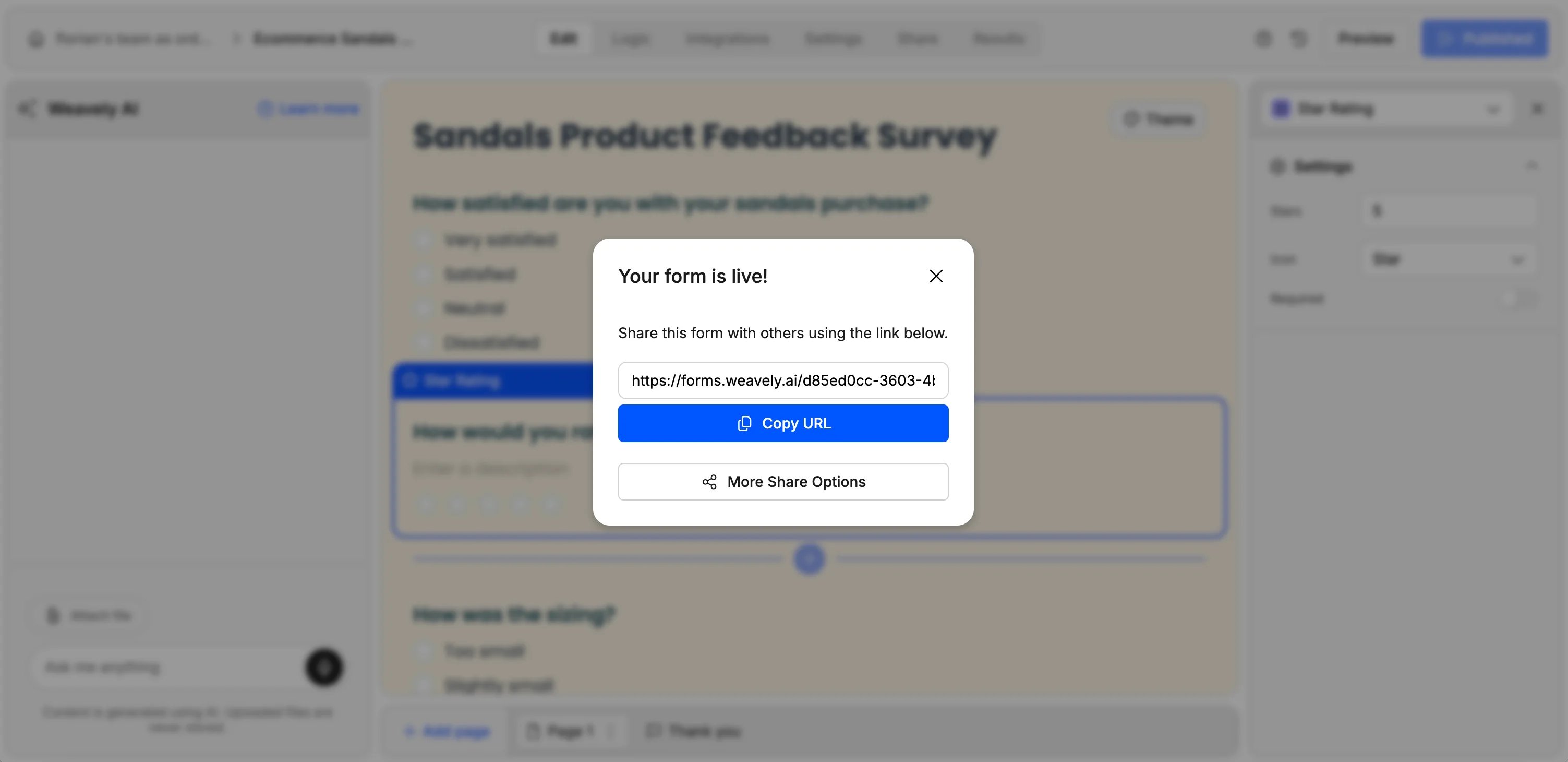
When you're happy with the preview, select **Share form**. Weavely opens the platform for the final step.
If you don't have a Weavely account yet, create one for free. Once you're in, copy your form's URL.
Share the link with respondents. As people submit, their answers appear under your form's results in Weavely.
## Do more in Weavely
The ChatGPT app gets you from idea to published form fast, but you can keep working in Weavely whenever you need to:
* **Keep editing** the theme, questions, and logic rules in the Weavely editor.
* **Send responses anywhere** with integrations like Google Sheets, Zapier, Make, and n8n.
## FAQ
Yes. You can create unlimited forms and collect unlimited responses for free.
Not to build and preview a form. You create a free account only when you publish and want to start collecting responses.
Yes. Ask in chat — for example, "only show this question if the rating is above two" — and Weavely updates the form's logic.
Responses appear in your form's results in Weavely, and you can forward them to tools like Google Sheets, Zapier, Make, or n8n.