> ## Documentation Index
> Fetch the complete documentation index at: https://help.weavely.ai/llms.txt
> Use this file to discover all available pages before exploring further.
# Figma to Web Form, Weavely Plugin
> Learn how to generate web forms from Figma designs using the Weavely Figma plugin
{`{
"@context": "https://schema.org",
"@graph": [
{
"@type": "WebPage",
"@id": "https://help.weavely.ai/integrations/figma-to-web-form",
"url": "https://help.weavely.ai/integrations/figma-to-web-form",
"name": "Figma to Web Form, Weavely Plugin",
"description": "Learn how to generate web forms from Figma designs using the Weavely Figma plugin",
"inLanguage": "en",
"isPartOf": {
"@type": "WebSite",
"@id": "https://help.weavely.ai/#website",
"name": "Weavely Help Center"
},
"breadcrumb": {
"@type": "BreadcrumbList",
"itemListElement": [
{ "@type": "ListItem", "position": 1, "name": "Integrations", "item": "https://help.weavely.ai/integrations" },
{ "@type": "ListItem", "position": 2, "name": "Figma to Web Form", "item": "https://help.weavely.ai/integrations/figma-to-web-form" }
]
},
"publisher": { "@id": "https://www.weavely.ai/#org" }
},
{
"@type": "TechArticle",
"headline": "Figma to Web Form, Weavely Plugin",
"description": "Learn how to generate web forms from Figma designs using the Weavely Figma plugin",
"inLanguage": "en",
"author": { "@id": "https://www.weavely.ai/#org" },
"publisher": { "@id": "https://www.weavely.ai/#org" },
"mainEntityOfPage": { "@id": "https://help.weavely.ai/integrations/figma-to-web-form" }
},
{
"@type": "VideoObject",
"name": "Figma to Web Form: Convert Designs into Live Forms with AI",
"description": "In this tutorial, I’ll show you how to use Weavely’s “Figma to Web Form” plugin to turn any form or survey design into a fully functional, AI-powered form.",
"uploadDate": "2025-09-25T00:00:00Z",
"duration": "PT5M1S",
"embedUrl": "https://www.youtube.com/embed/5StW8rXvkDY",
"contentUrl": "https://www.youtube.com/watch?v=5StW8rXvkDY",
"thumbnailUrl": [
"https://i.ytimg.com/vi/5StW8rXvkDY/hqdefault.jpg",
"https://i.ytimg.com/vi/5StW8rXvkDY/sddefault.jpg"
],
"potentialAction": {
"@type": "WatchAction",
"target": "https://www.youtube.com/watch?v=5StW8rXvkDY"
},
"publisher": { "@id": "https://www.weavely.ai/#org" },
"author": { "@id": "https://www.weavely.ai/#org" }
},
{
"@type": "Organization",
"@id": "https://www.weavely.ai/#org",
"name": "WEAVE.LY BV",
"url": "https://www.weavely.ai",
"address": {
"@type": "PostalAddress",
"streetAddress": "Herbert Hooverlaan 141",
"addressLocality": "Schaarbeek",
"postalCode": "1030",
"addressCountry": "BE"
},
"identifier": "BE0773.878.569",
"sameAs": [
"https://www.instagram.com/weavely.ai/",
"https://www.linkedin.com/company/weave-ly/",
"https://www.youtube.com/@weavely"
]
}
]
}`}
# Turn Figma Designs into Web Forms with the Weavely Plugin
The Weavely Figma plugin lets you transform static Figma designs into working, fillable web forms, all in a few clicks. Whether you're prototyping, building UX surveys, or collecting structured feedback from testers, this plugin helps you move from design to live form instantly.
## What the Plugin Does
With the plugin, you can select any Figma frames and turn them into a functioning web form powered by Weavely. It extracts both the **content** (like questions and labels) and the **visual theme** (colors, fonts, layout) from your design, then uses AI to generate a form that looks and feels like your mockup, but is fully interactive and shareable.
## How to Use the Plugin
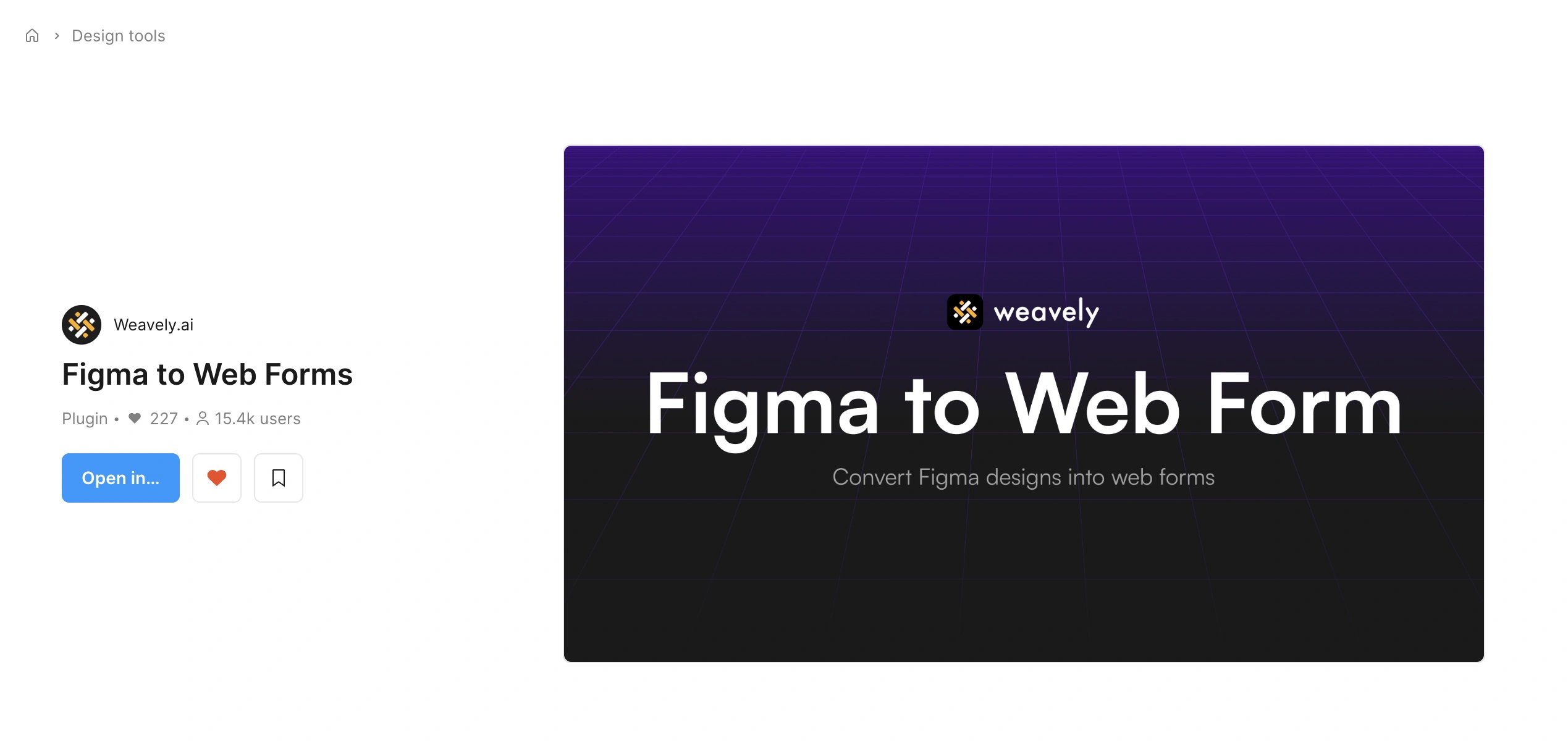
You can open the plugin [here](https://www.figma.com/community/plugin/1255122665773297640/figma-to-web-forms). Or simply search for "Figma to web form" from within Figma.
Choose the frames that contain your form content. For example, in a UX survey, you might have multiple frames with radio buttons, input fields, or sliders. Once selected, hit **"Generate Form"** in the plugin panel.
The plugin uses AI to scan the content and layout of your design and begins building a form automatically.
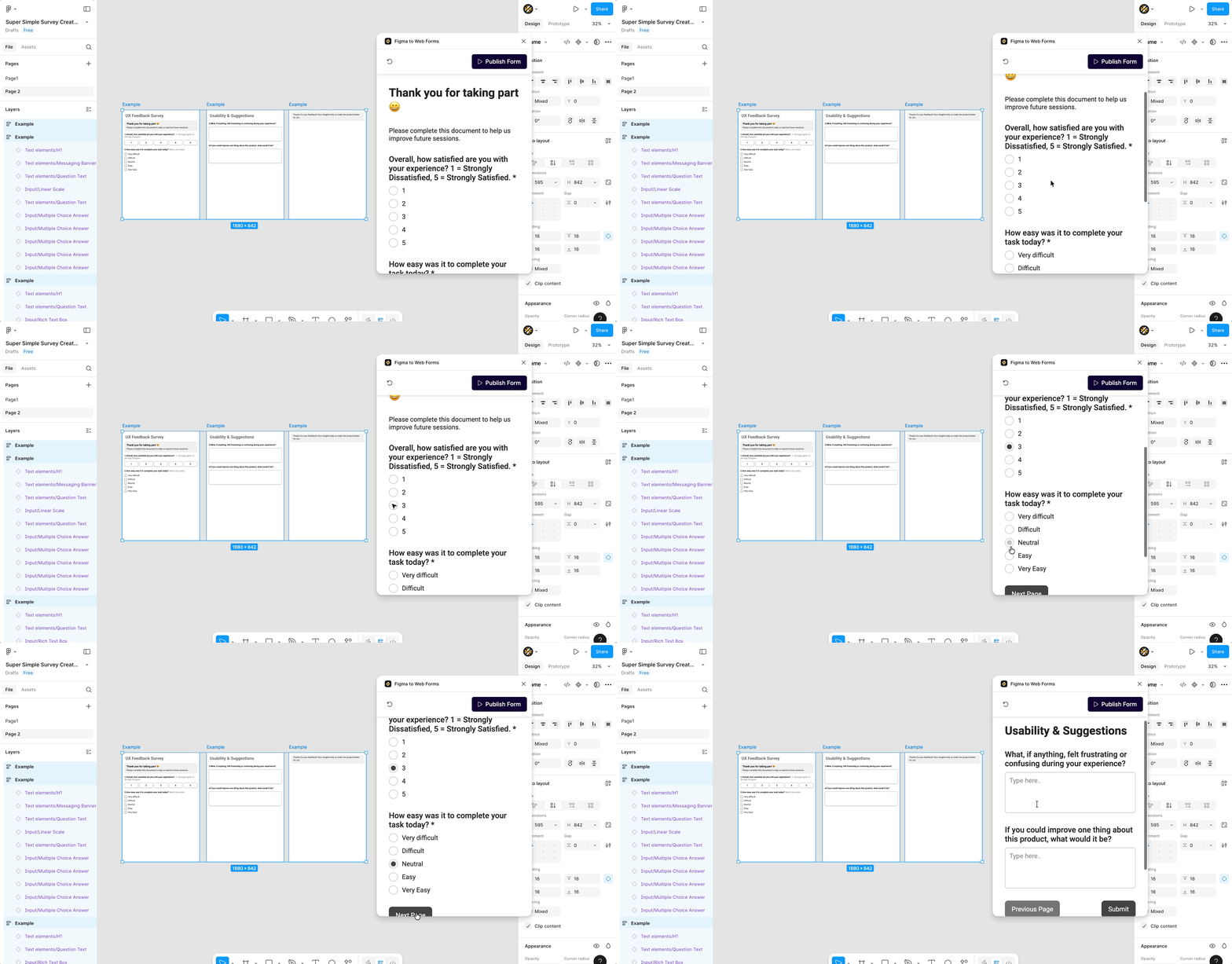
You’ll get a real-time preview of your generated form inside the plugin. It’s interactive, with radio buttons, input fields, and submit actions. Just like a normal web form.
When you're satisfied, hit **“Publish Form.”** This opens the Weavely editor where you can:
* Refine questions or add new ones
* Apply advanced styling or change the layout
* Add conditional logic
* Integrate with third-party tools like Slack, HubSpot, Zapier, etc.
Once you’re happy with your final form, press **“Publish”** again and get a live URL to share or embed.
### Style Transfer from Figma
Basic theming — such as background color, accent colors, and font family — is extracted automatically. So if your Figma design has a deep red background and white buttons, your generated form will reflect that.
For advanced theming (custom layout, typography, brand assets), you can fine-tune everything from within the Weavely editor.
The plugin will not take into account your custom design or layout from within Figma.
***
 You can open the plugin [here](https://www.figma.com/community/plugin/1255122665773297640/figma-to-web-forms). Or simply search for "Figma to web form" from within Figma.
 Choose the frames that contain your form content. For example, in a UX survey, you might have multiple frames with radio buttons, input fields, or sliders. Once selected, hit **"Generate Form"** in the plugin panel.
The plugin uses AI to scan the content and layout of your design and begins building a form automatically.
Choose the frames that contain your form content. For example, in a UX survey, you might have multiple frames with radio buttons, input fields, or sliders. Once selected, hit **"Generate Form"** in the plugin panel.
The plugin uses AI to scan the content and layout of your design and begins building a form automatically.
 You’ll get a real-time preview of your generated form inside the plugin. It’s interactive, with radio buttons, input fields, and submit actions. Just like a normal web form.
When you're satisfied, hit **“Publish Form.”** This opens the Weavely editor where you can:
* Refine questions or add new ones
* Apply advanced styling or change the layout
* Add conditional logic
* Integrate with third-party tools like Slack, HubSpot, Zapier, etc.
Once you’re happy with your final form, press **“Publish”** again and get a live URL to share or embed.
You’ll get a real-time preview of your generated form inside the plugin. It’s interactive, with radio buttons, input fields, and submit actions. Just like a normal web form.
When you're satisfied, hit **“Publish Form.”** This opens the Weavely editor where you can:
* Refine questions or add new ones
* Apply advanced styling or change the layout
* Add conditional logic
* Integrate with third-party tools like Slack, HubSpot, Zapier, etc.
Once you’re happy with your final form, press **“Publish”** again and get a live URL to share or embed.