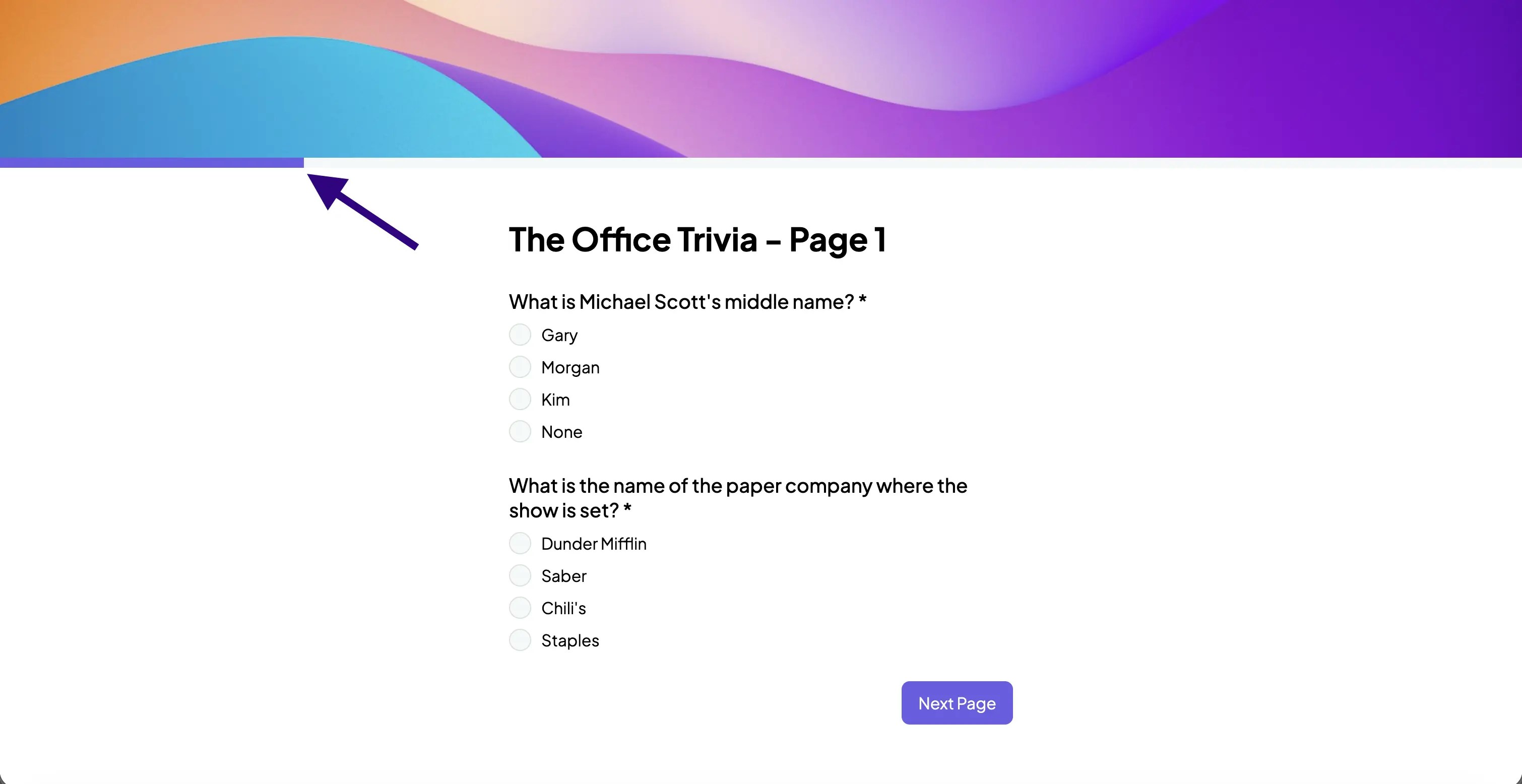
Step 1: Enable "Show Progress Bar"
Navigate to your form’s “Settings->General” tab and toggle the “Show Progress Bar” option as shown below.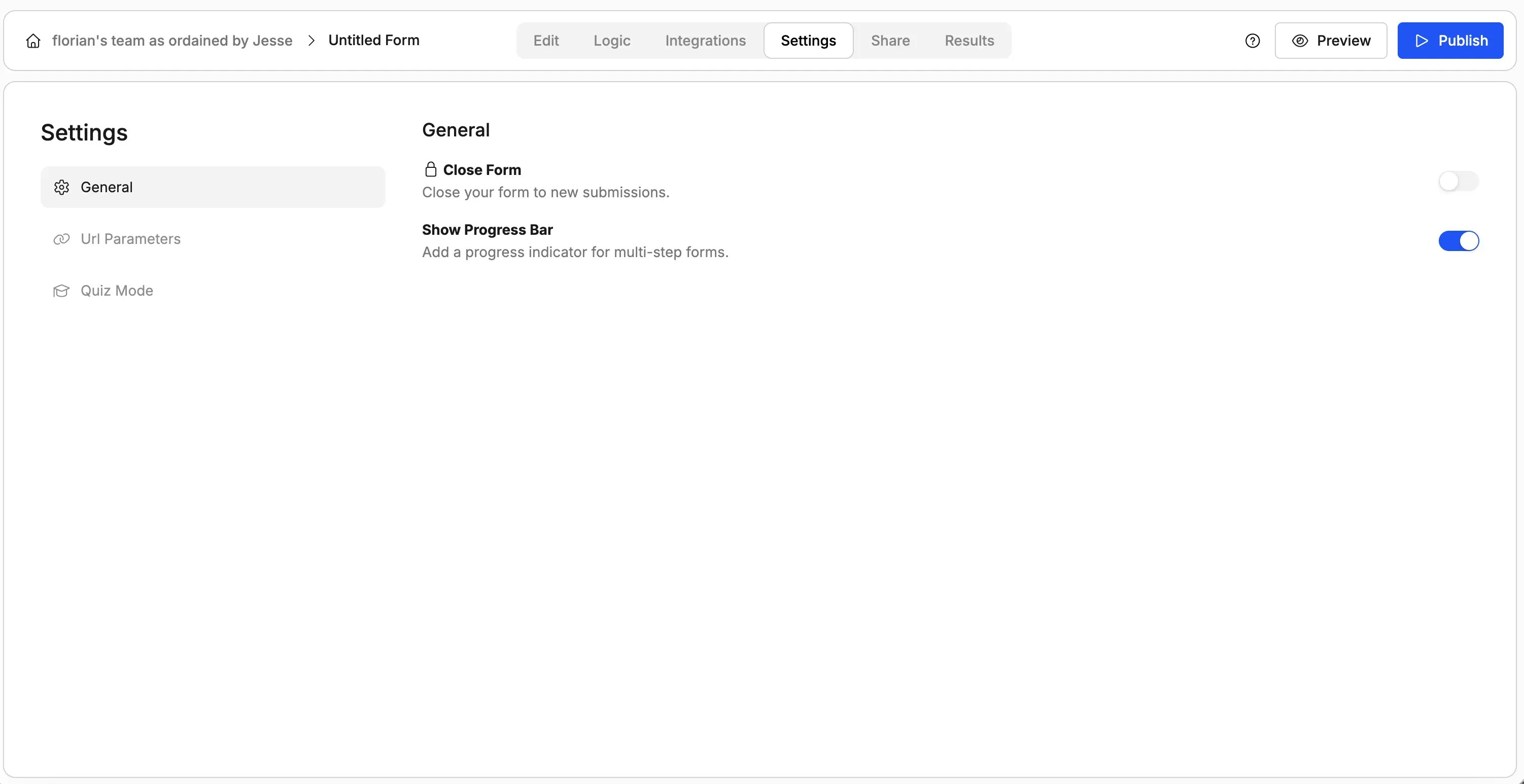
Step 2: Customise the Progress Bar's Color (Optional)
The progress bar uses your form’s “Primary color”, which you can either change by opening the “Theme” panel on the right or asking our AI.