

Opening the Theme Editor
From your Weavely dashboard, click the Themes menu (under the Forms menu). This is where all your saved themes live and where you can create new ones.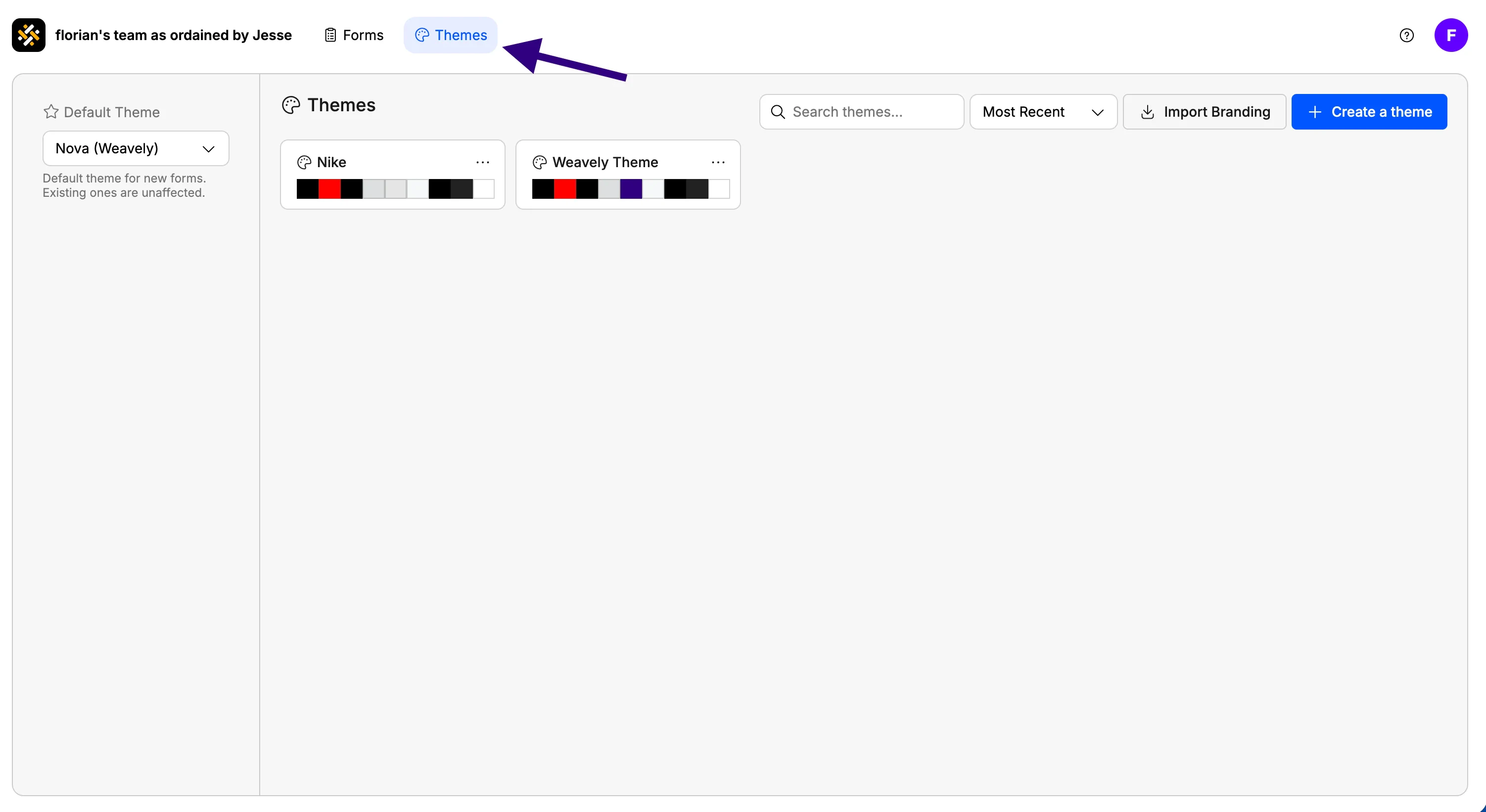
Creating a new theme
You have two ways to get started:1
Choose your starting point
Click Create theme. You’ll be asked to either: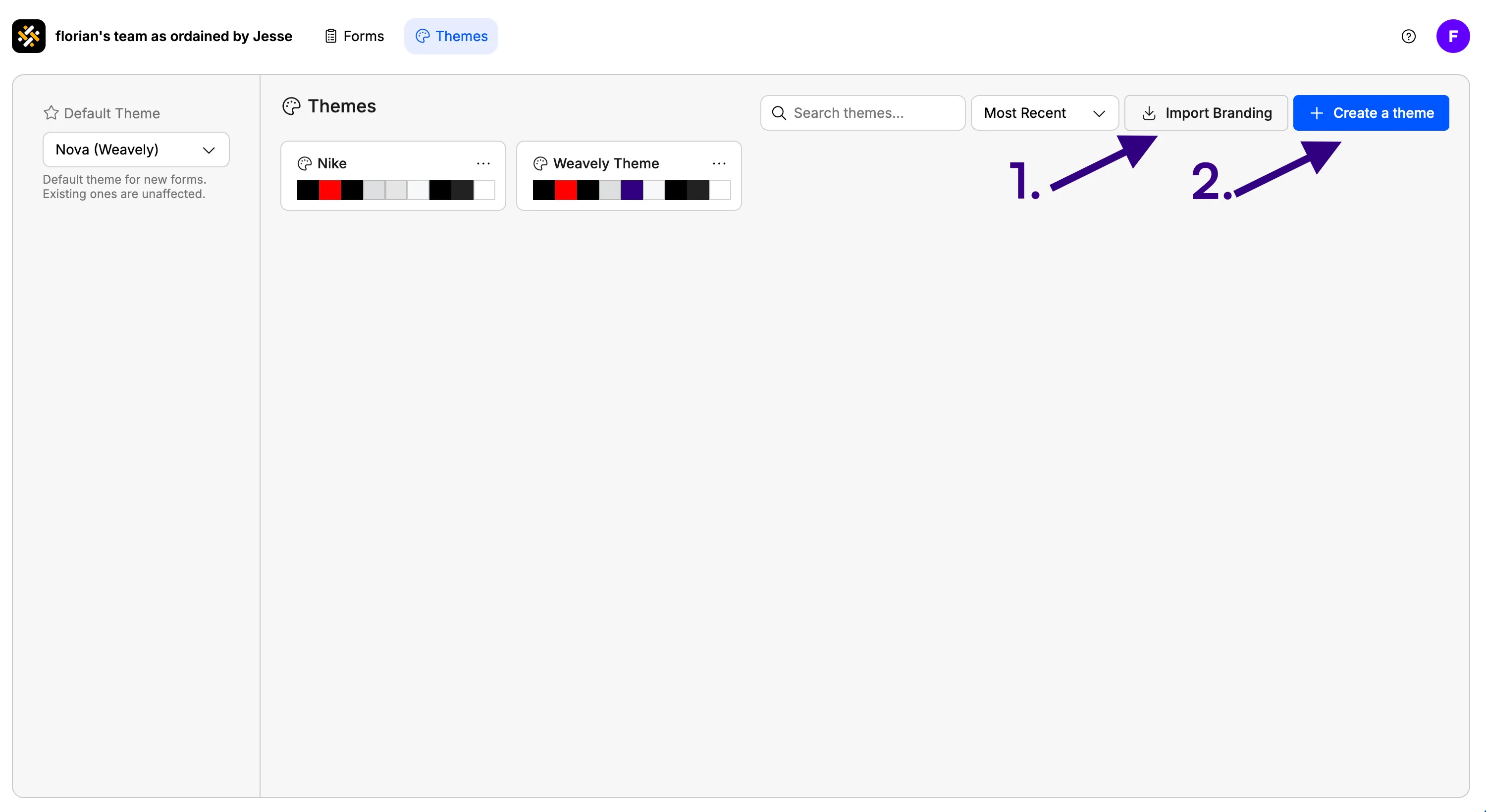
- 1. Import your branding: paste in your website URL and let Weavely pull your logo, colors, and visual style automatically
- 2. Start from scratch: build your form design manually
2
Customize colors and typography
The editor shows a live preview of how your form elements will look — inputs, buttons, labels, and backgrounds. This is a preview only, not an actual form, so you won’t be adding or removing fields here.Under the Colors section, set your: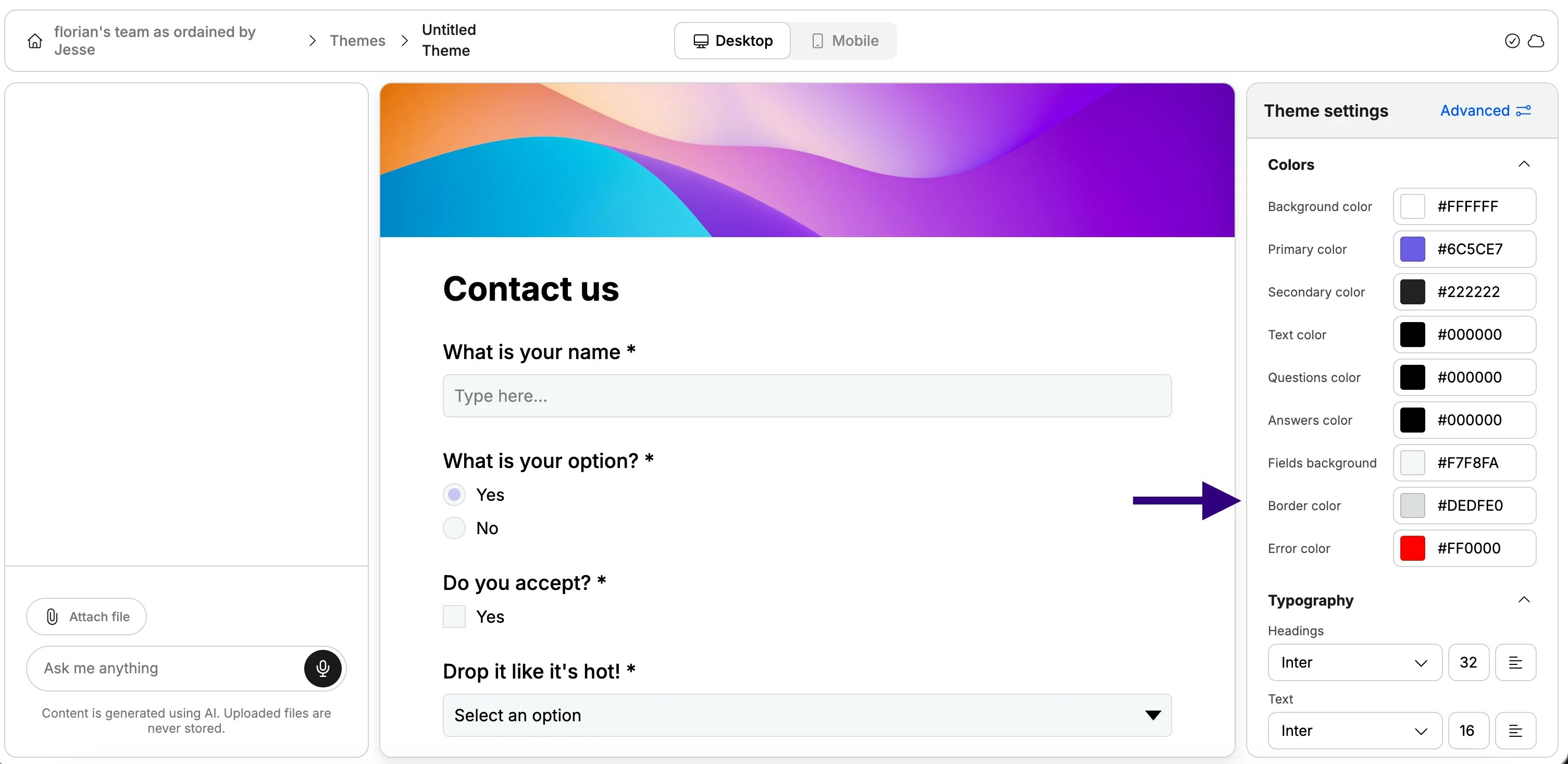
- Background color
- Primary / accent color
- Text and label colors
3
Adjust layout and logo
Scroll down to see layout and logo options:
- Logo — toggle it on/off, set the size, and choose the alignment (left, center, or right)
- Form visual — enable a header image or color band at the top, side or background of each form
4
Advanced Styling Style your inputs and buttons
Press the “Advanced” button to access a panel with more fine-grained options: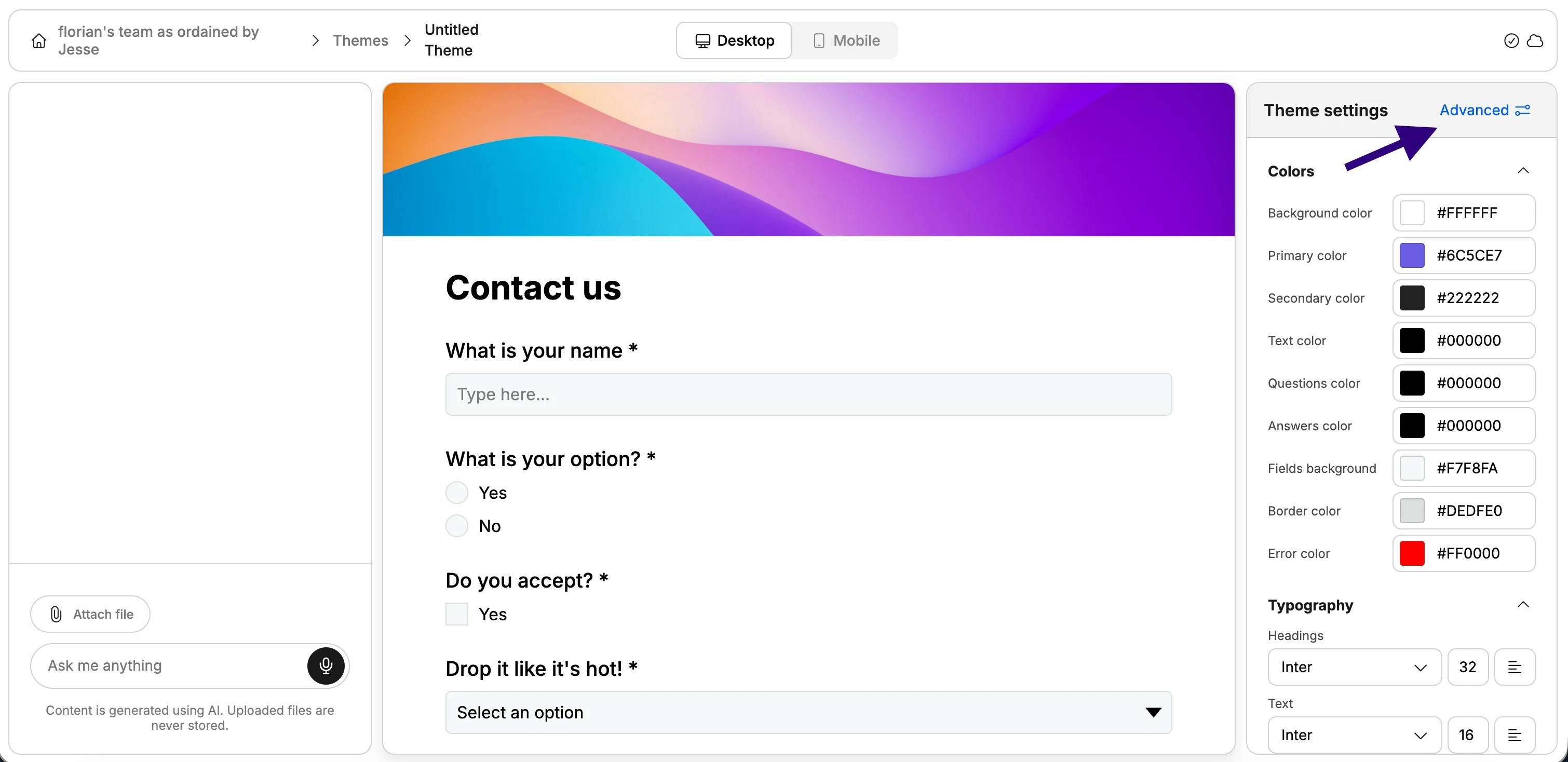
- Form width and spacing — control how wide and airy your forms feel
- Input shape — choose between default rounded or square corners
- Button shape — same options: rounded, square, or default
- Hover animation — pick the animation style for button interactions
- Custom CSS — completely customise the look and feel of your form
Custom CSS is a paid feature.
Setting a theme as the default
Once your theme is saved (which happens automatically), you can make it the default so every new form automatically uses it.- Go back to the Themes tab in your dashboard
- Find your theme and click Set as default
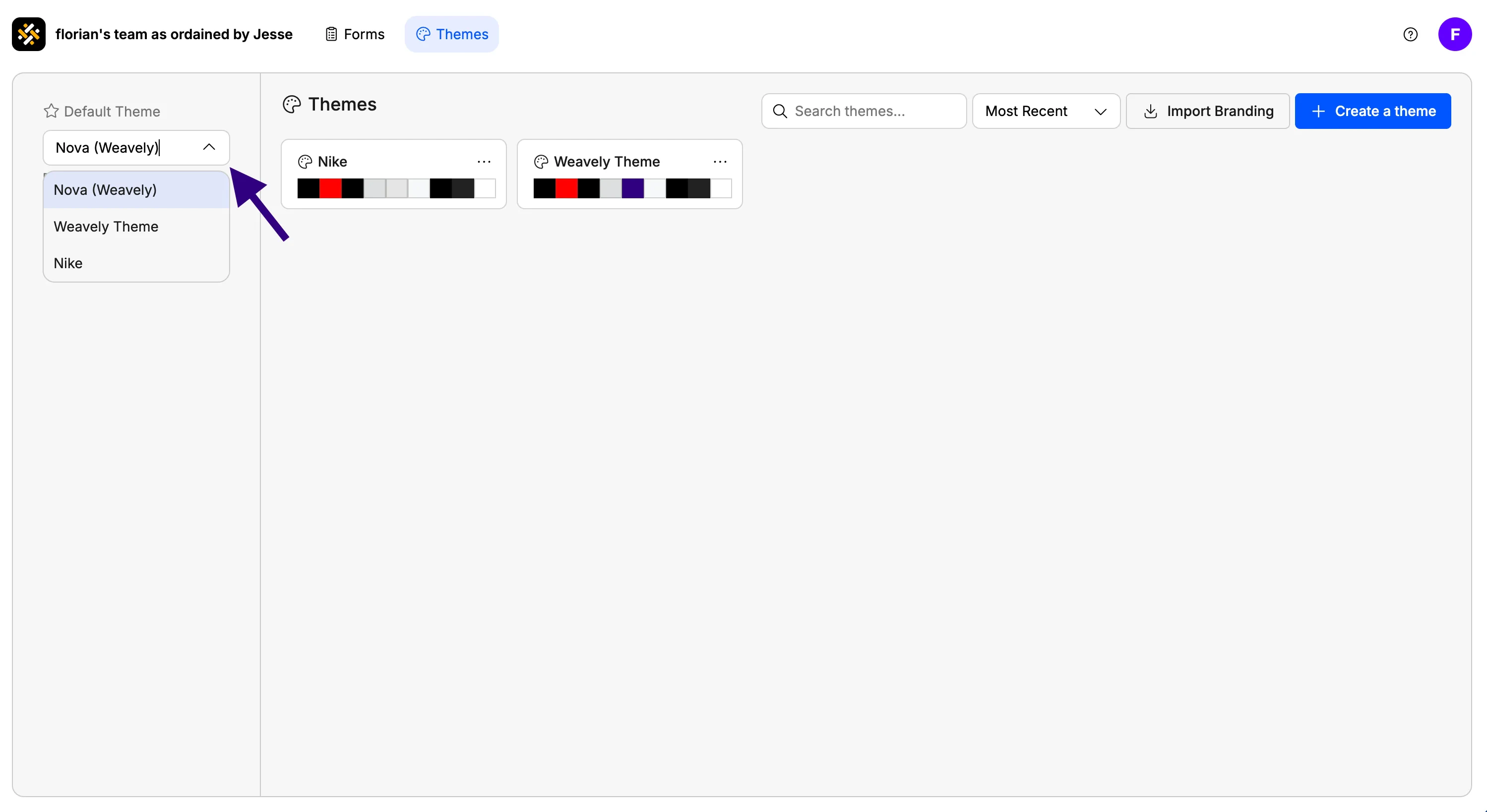
Create a test form after setting your default theme to confirm everything looks right before sending it to respondents.
Applying a theme to a specific form
You can also apply (or switch) a theme on an individual form without changing the default:- Open the form in the editor
- Click the Theme pill button next to the right sidebar
- Select the theme you want from “Templates”